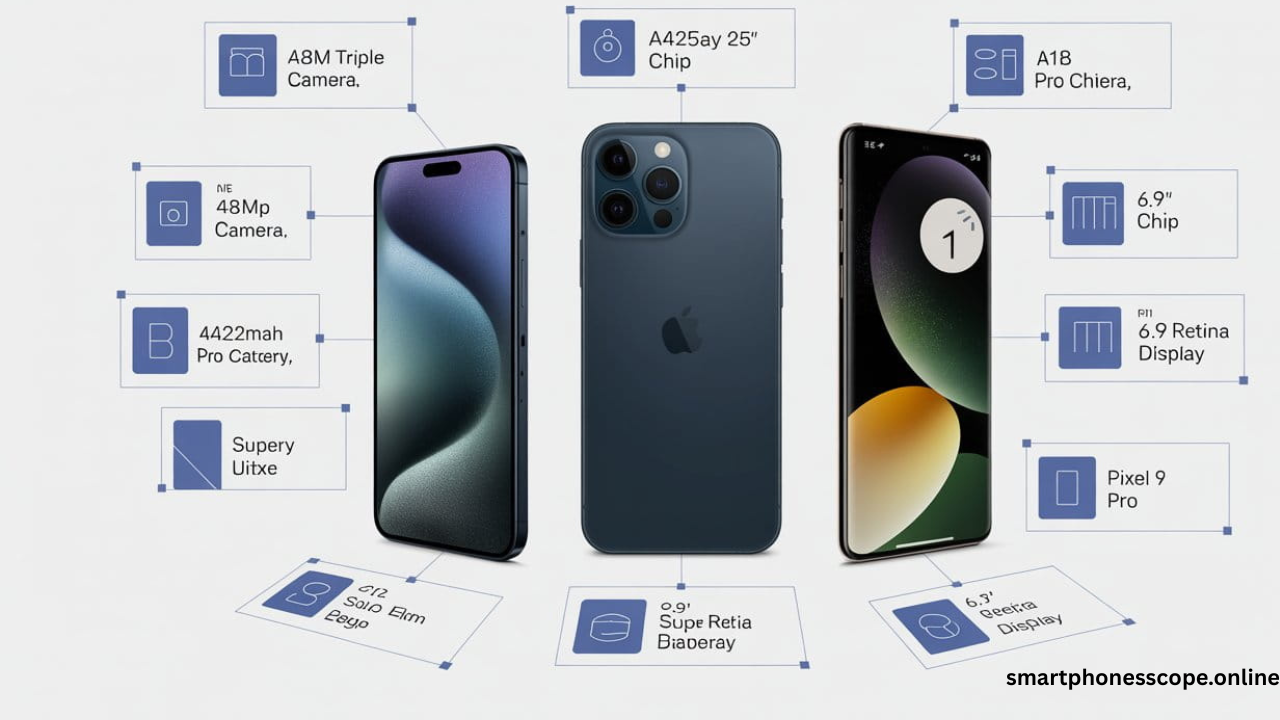
In today’s digital-first business landscape, iPhone 16 enterprise security has become the cornerstone of protecting sensitive corporate data against increasingly sophisticated cyber threats. As businesses across the USA and UK navigate the complexities of remote work, BYOD policies, and stringent compliance requirements like GDPR and CCPA, the iPhone 16 emerges as a fortress of security innovation. This comprehensive guide explores how Apple’s latest flagship device combines military-grade hardware encryption, advanced threat detection, and seamless Mobile Device Management (MDM) integration to deliver unparalleled protection for enterprise environments. Whether you’re a CTO evaluating mobile security solutions or a business leader seeking reliable data protection, understanding iPhone 16’s enterprise security features is no longer optional it’s essential for safeguarding your organization’s digital future.

Why Enterprise Security Matters in 2026
The cybersecurity landscape in 2026 presents unprecedented challenges for businesses worldwide. Data breaches now cost companies an average of $4.45 million per incident, with mobile devices accounting for nearly 60% of security vulnerabilities in enterprise networks. Remote work has permanently reshaped how organizations operate, creating countless entry points for malicious actors targeting corporate assets. Regulatory frameworks like GDPR, CCPA, and PCI DSS demand ironclad security measures with severe penalties for non-compliance reaching millions in fines.
Against this backdrop, mobile device security has evolved from an IT consideration to a critical business imperative. Employees access sensitive customer data, financial records, and proprietary information from smartphones daily, making these devices prime targets for ransomware, phishing attacks, and corporate espionage. The iPhone 16 addresses these challenges head-on with enterprise-grade security architecture that protects data at rest, in transit, and during processing ensuring your business remains resilient against evolving threats.
Why Choose iPhone 16 for Business Security
Built-in Hardware and Software Security Integration
The iPhone 16 delivers enterprise security excellence through seamless integration of hardware and software defenses. Unlike fragmented security approaches, Apple’s unified ecosystem ensures every component from the Secure Enclave chip to iOS sandboxing—works cohesively to eliminate vulnerabilities. This holistic security model provides businesses with defense-in-depth protection that adapts to emerging threats without requiring constant manual updates or third-party security solutions.
iOS Trust Model and Verification
Apple’s iOS trust model establishes security from the moment you power on your device. Secure Boot ensures only verified Apple software loads during startup, preventing rootkit attacks that compromise device integrity. Code signing requirements mandate that every app carries a cryptographic signature, blocking unauthorized or malicious software from executing. This verified chain of trust extends throughout the operating system, giving IT administrators confidence that corporate devices maintain their security posture even when employees install personal apps.
Apple Ecosystem Advantage for Enterprise
The Apple business ecosystem creates powerful synergies that enhance security across your organization. iPhone 16 integrates seamlessly with MacBooks, iPads, and Apple Watch, enabling features like Universal Clipboard with end-to-end encryption and Handoff that maintains security protocols across device transitions. Apple Business Manager simplifies device deployment, allowing IT teams to configure security policies before devices reach employees. This ecosystem approach reduces complexity while strengthening security a combination that resonates strongly with enterprises in the USA and UK seeking streamlined yet robust protection.
Why Enterprises in USA & UK Prefer iPhones
Business adoption statistics reveal compelling trends: 72% of Fortune 500 companies standardize on iPhone for mobile devices, with UK enterprises showing similar preference at 68% adoption. This overwhelming choice stems from Apple’s consistent security updates, typically delivered within hours of vulnerability discovery, compared to Android’s fragmented update ecosystem. Regulatory compliance becomes significantly easier with iPhone’s built-in encryption and privacy controls that align with GDPR and CCPA requirements. Moreover, the lower total cost of ownership driven by longer device lifecycles and reduced security incident costs—makes iPhone 16 the financially sound choice for security-conscious organizations.
Advanced Hardware Security
Secure Enclave – Your Dedicated Security Chip
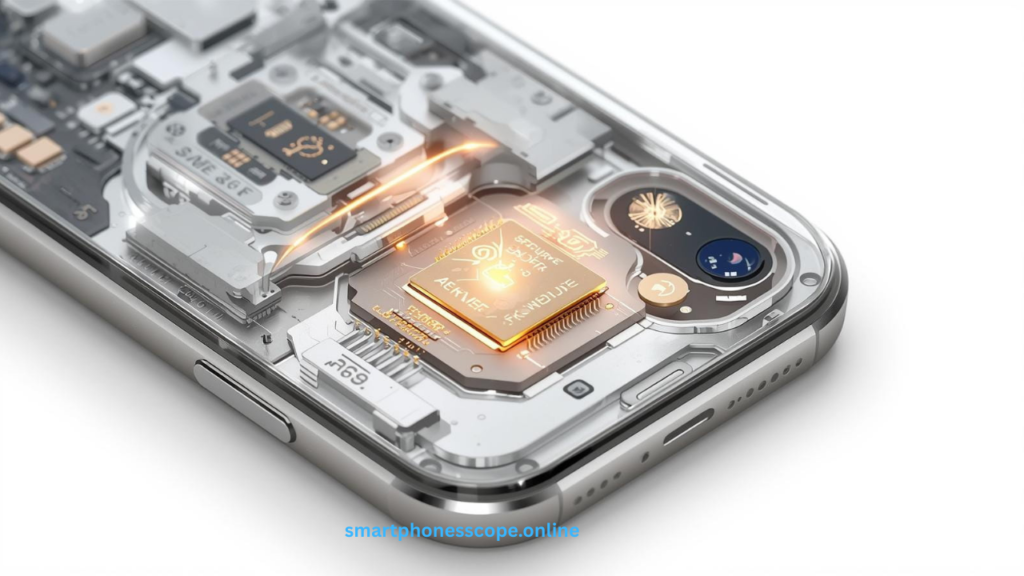
The Secure Enclave in iPhone 16 represents a technological marvel a separate processor exclusively dedicated to protecting your most sensitive data. This isolated subsystem handles encryption keys, biometric data, and authentication processes completely independent from the main processor, ensuring that even if malware compromises iOS, your cryptographic secrets remain protected. The Secure Enclave generates and stores keys that never leave the chip, making extraction virtually impossible even with physical device access.
For enterprises, this means biometric authentication data from Face ID and Touch ID never enters the main system memory where malware could intercept it. Financial transactions processed through Apple Pay leverage the Secure Enclave to protect payment credentials, while enterprise authentication systems can utilize its cryptographic capabilities for secure single sign-on (SSO) implementations. This hardware-based security foundation provides assurance that no software vulnerability can compromise your organization’s authentication infrastructure.
Face ID 2.0 & Biometric Enhancements
Face ID 2.0 on iPhone 16 delivers revolutionary improvements for business authentication. Enhanced neural networks now recognize users even with masks, glasses, or significant appearance changes, reducing authentication friction while maintaining security standards that exceed 1-in-1,000,000 false acceptance rates. The TrueDepth camera system creates detailed 3D facial maps that defeat spoofing attempts using photographs or masks, providing enterprise-grade protection against unauthorized access.
Businesses benefit from conditional authentication capabilities that adjust security requirements based on context. High-risk actions like accessing financial data or approving wire transfers can require Face ID plus passcode verification, while routine email checks use Face ID alone. MDM policies can enforce biometric authentication for specific apps or actions, creating flexible security frameworks that protect sensitive operations without hindering productivity.
Hardware-Level Encryption That Never Sleeps
Every iPhone 16 ships with full-disk encryption enabled by default using AES-256 encryption—the same standard trusted by government agencies and financial institutions worldwide. This hardware-accelerated encryption operates transparently, protecting data without performance penalties. The moment you set a passcode, all data on the device becomes encrypted with keys derived from your passcode and unique device identifiers stored in the Secure Enclave.
Data protection classes allow iOS to apply different encryption policies to various data types. Enterprise email might use complete protection that requires device unlock to decrypt, while system logs use a less restrictive class. This granular approach ensures optimal security for sensitive business data while maintaining essential background functions. Should a device fall into wrong hands, the encryption renders data useless without the correct passcode—a critical safeguard for protecting customer information and intellectual property.
iOS Security Architecture
System-Wide Sandboxing Prevents Malware Spread
App sandboxing creates isolated execution environments for every application, preventing malicious code from accessing data belonging to other apps or the operating system itself. Each app operates within its own sandbox with strictly limited permissions, unable to read files, access memory, or monitor activities of other applications. This architectural decision fundamentally changes the security equation—even if an employee accidentally installs a malicious app, the damage remains contained within that sandbox.
For enterprises, sandboxing means reduced attack surface across your mobile fleet. Corporate email apps cannot be compromised by malicious games, and business productivity tools remain isolated from potentially risky social media applications. This separation becomes especially valuable in BYOD environments where personal and professional apps coexist on the same device, ensuring corporate data protection regardless of employees’ personal app choices.
Kernel Protection and Memory Safety
The iOS kernel benefits from multiple protection layers that defend against exploitation attempts. Address Space Layout Randomization (ASLR) randomizes memory addresses, making it nearly impossible for attackers to predict where critical system components reside. Kernel ASLR applies this protection to the kernel itself, while stack canaries detect buffer overflow attacks before they can corrupt memory. Execute-never (XN) protections prevent code execution from data memory regions, blocking entire categories of exploits.
Memory safety extends throughout the iOS codebase with increasing use of memory-safe programming languages and runtime checks that prevent common vulnerabilities. These protections operate continuously, defending against zero-day exploits that target memory corruption vulnerabilities. Enterprise security teams appreciate these defenses because they provide protection against unknown threats—the attacks that signature-based security solutions cannot detect.
App Store Vetting & Code Integrity
Apple’s App Store review process serves as a critical security gateway, examining every app before distribution. Automated systems scan for malicious code patterns, privacy violations, and security vulnerabilities, while human reviewers assess apps for deceptive practices and policy compliance. Apps must meet stringent security requirements including code signing with developer certificates, entitlements review, and runtime analysis.
Code signing ensures that apps cannot be modified after approval without detection. iOS verifies signatures before launching apps, rejecting any altered code that might contain malicious additions. For enterprises using Apple Business Manager, this same integrity verification extends to internally distributed apps, ensuring that custom business applications maintain their security properties throughout their lifecycle. This multi-layered vetting dramatically reduces malware exposure compared to platforms with less rigorous app distribution controls.
Network & Communication Security
VPN & Zero Trust Network Access
iPhone 16 offers robust VPN capabilities that integrate seamlessly with enterprise network architectures. Built-in support for IKEv2, IPSec, and SSL VPN protocols ensures compatibility with existing infrastructure, while per-app VPN allows specific business applications to route traffic through corporate networks without affecting personal app connectivity. This granular control proves essential for BYOD policies, maintaining security boundaries while respecting employee privacy.
Zero Trust Network Access (ZTNA) implementations find a natural home on iPhone 16 through MDM-enforced policies that verify device health, user identity, and contextual factors before granting access to corporate resources. Conditional access policies can require specific iOS versions, encryption status, and jailbreak detection results before allowing connections to sensitive systems. This continuous verification aligns perfectly with modern security frameworks that assume breach and verify trust at every access attempt.
Private Relay & Secure DNS Protection
iCloud Private Relay provides enterprise users with enhanced browsing privacy by routing web traffic through multiple relay servers, preventing any single party—including Apple, network providers, or websites—from building complete profiles of browsing activity. While designed for consumer privacy, this technology offers business benefits by protecting executives and employees from surveillance when accessing information that might reveal competitive strategies or acquisition targets.
Encrypted DNS prevents network observers from monitoring which websites and services employees access, adding another layer to comprehensive privacy protection. Combined with HTTPS enforcement, these features ensure that even on untrusted networks like airport Wi-Fi or hotel internet, corporate browsing activity remains confidential. Security teams can configure Private Relay through MDM policies, enabling it for specific user groups or disabling it when corporate network visibility requirements take precedence.
Enterprise Email Security Excellence
iPhone 16’s native Mail app supports S/MIME encryption and digital signatures, enabling end-to-end encrypted email communication that protects messages from sender to recipient. Organizations can deploy certificates through MDM, automatically configuring S/MIME for seamless encrypted communication without requiring employee technical expertise. Digital signatures verify sender authenticity, preventing email spoofing attacks that represent a primary vector for business email compromise.
Exchange ActiveSync support includes advanced security features like remote wipe, policy enforcement, and attachment restrictions. IT administrators can mandate minimum passcode complexity, maximum inactivity timeout periods, and require device encryption—all enforced at the email account level. These granular controls enable security teams to protect corporate email without necessarily managing the entire device, providing flexibility for BYOD scenarios where full device management might be inappropriate.
Mobile Device Management (MDM) Capabilities
Apple Business Manager + MDM Integration
Apple Business Manager revolutionizes enterprise device deployment by allowing organizations to purchase devices directly from Apple or authorized resellers with automatic MDM enrollment. Devices arrive pre-configured with security policies, VPN settings, and required apps, eliminating manual setup time and ensuring consistent security posture from day one. This zero-touch deployment dramatically reduces IT workload while guaranteeing that no device enters your network without proper security controls.
MDM platforms like Jamf, Microsoft Intune, VMware Workspace ONE, and IBM MaaS360 integrate deeply with iPhone 16, providing centralized control over device configurations, app deployments, and security policies. IT teams can push updates, modify restrictions, and monitor compliance across thousands of devices from a single console. The combination of Apple Business Manager and MDM creates a powerful management framework that scales from small businesses to global enterprises with tens of thousands of mobile devices.
Granular App Policy Enforcement
Application management through MDM enables sophisticated control over which apps employees can install and how those apps behave. Whitelisting creates approved app catalogs, ensuring only vetted applications reach corporate devices, while blacklisting prevents installation of specific apps deemed security risks. Conditional app installation can require certain iOS versions or device configurations before allowing sensitive business applications.
Managed app configurations allow IT teams to preconfigure app settings, eliminating user setup errors and enforcing security requirements. Email apps receive server settings, VPN apps get tunnel configurations, and productivity apps launch with security policies already in place. App-level VPN routing can force specific applications through secure tunnels while allowing other apps direct internet access, creating nuanced security policies that balance protection with user experience.
Remote Wipe and Selective Data Removal
Lost or stolen device protection becomes straightforward with iPhone 16’s remote management capabilities. IT administrators can immediately lock devices, display custom messages for return, or completely erase all data—rendering the device useless to thieves while protecting corporate information. Lost Mode leverages location services to track devices, often enabling recovery before resorting to data erasure.
Selective wipe functionality represents a critical capability for BYOD environments where personal and corporate data coexist. Rather than erasing the entire device, IT teams can remove only corporate email accounts, managed apps, and business documents—preserving personal photos, messages, and apps. This selective approach respects employee privacy while ensuring complete removal of business data when employees leave the organization or devices transition to personal use.
Endpoint & Threat Protection
Built-in Threat Detection Systems
iPhone 16 incorporates intelligent threat detection that continuously monitors system behavior for anomalies indicating security compromise. iOS analyzes file system changes, network traffic patterns, and application behavior, detecting jailbreak attempts, malware execution, and suspicious network connections. These analytics operate in the background, requiring no user intervention while providing security teams with early warning of potential compromises.
Protection against zero-day exploits comes from multiple defensive layers including exploit mitigation technologies, runtime application self-protection (RASP), and behavioral analysis. BlastDoor technology sandboxes message processing, preventing malicious iMessages from exploiting vulnerabilities. Memory corruption protections like Pointer Authentication Codes (PAC) make exploit development significantly more difficult, buying time for patches even when vulnerabilities exist.
Enterprise Endpoint Detection and Response
EDR/XDR integration allows enterprise security platforms like CrowdStrike, SentinelOne, and Microsoft Defender to extend visibility into iPhone 16 fleets. While iOS’s security model prevents the deep system access these tools enjoy on desktop platforms, APIs provide device health status, network connections, and app activity data. Security teams can incorporate iPhones into comprehensive threat hunting operations, ensuring mobile devices don’t become security blind spots.
SIEM integration enables centralized security monitoring by forwarding iPhone logs and security events to enterprise security information and event management systems. Correlation rules can detect patterns like impossible travel (logins from geographically distant locations), brute force attempts, or policy violations. This integration ensures mobile devices contribute to enterprise security posture visibility rather than operating as unmonitored endpoints.
Password and Multi-Factor Authentication
Strong passcode policies enforced through MDM ensure minimum password complexity, length, and expiration requirements. Administrators can mandate alphanumeric passwords, prohibit simple passwords like “1234,” and require periodic password changes. These policies sync with corporate password requirements, maintaining consistent authentication standards across desktop and mobile environments.
Multi-factor authentication (MFA) combines biometrics (Face ID/Touch ID) with passcodes, hardware tokens, or authentication apps for layered security. Conditional access policies can require MFA for high-risk activities while using simpler authentication for routine operations. Support for FIDO2 security keys and WebAuthn standards enables passwordless authentication for modern identity management systems, reducing phishing risks while improving user experience.
Data Loss Prevention (DLP) for Enterprises
Secure File Access and Sharing Controls
File-based encryption protects documents at rest using per-file keys derived from user credentials and device identifiers. Enterprise apps can leverage these protections through data protection APIs, ensuring that business documents remain encrypted until the device is unlocked. File sharing controls prevent copying sensitive data to unmanaged apps, blocking common data exfiltration paths like emailing corporate documents to personal accounts.
Managed Open-In restrictions control which apps can open files from managed sources. A spreadsheet from the corporate file server might only open in approved apps like Microsoft Excel or Numbers, preventing employees from accidentally copying sensitive data to unvetted cloud services. These restrictions work bidirectionally—unmanaged apps cannot share data into managed apps, preventing malicious content from reaching business applications.
iCloud for Business Encryption
Advanced Data Protection for iCloud extends end-to-end encryption to 23 data categories including device backups, Photos, Notes, and iCloud Drive. With this feature enabled, Apple cannot decrypt user data even when served with legal requests, providing maximum privacy protection for business users. Encryption keys exist only on trusted devices, ensuring that cloud backups maintain the same security properties as the device itself.
Business iCloud accounts managed through Apple Business Manager allow organizations to retain administrative control while providing cloud storage benefits. IT teams can enforce Advanced Data Protection across the organization, ensure compliance with data residency requirements, and manage account lifecycle from provisioning through termination. Encrypted backups ensure that even cloud storage maintains security standards required for sensitive business data.
Compliance and Audit Trail Management
Comprehensive audit logging tracks security-relevant events including authentication attempts, policy violations, configuration changes, and data access. These logs feed into compliance reporting systems, providing evidence of security control implementation for auditors. Automated compliance checking verifies devices meet requirements for GDPR, CCPA, PCI DSS, HIPAA, and other regulatory frameworks.
Data handling transparency helps organizations meet regulations requiring disclosure of data processing activities. iOS privacy features provide clear visibility into which apps access location, photos, contacts, and other personal information. Privacy reports summarize app data access patterns, helping security teams identify applications with excessive permissions or unexpected data collection behaviors that might create compliance risks.
App Security & Secure Deployment
Apple Business Apps & Custom Distribution
Custom app deployment through Apple Business Manager allows organizations to distribute proprietary applications without public App Store publication. Internal apps maintain the same security standards code signing, entitlement verification, and runtime protections while remaining accessible only to employees. Volume purchase programs streamline app licensing for commercial applications, providing centralized management and cost tracking.
App security validation extends to custom enterprise apps with TestFlight beta testing that allows security teams to assess applications before broad deployment. Developer certificate management through MDM ensures only authorized developers can create and distribute internal apps, preventing rogue applications from reaching corporate devices even through legitimate distribution channels.
Runtime Protection and Code Signing
App runtime protections prevent tampering and reverse engineering through techniques like code obfuscation, anti-debugging checks, and integrity verification. Apps can detect jailbroken devices and refuse to execute on compromised systems, ensuring security controls remain effective. Certificate pinning prevents man-in-the-middle attacks by requiring specific server certificates for network communications, blocking interception even on compromised networks.
IPA signing enforcement ensures all applications carry valid signatures from recognized developer certificates. Unsigned code cannot execute, preventing malware distribution through unofficial channels. Enterprise developers sign apps with organization-specific certificates managed through Apple Developer Enterprise Program, creating clear trust relationships between the organization and deployed applications.
Managed App Configurations
Automated configuration deployment eliminates manual app setup, pushing settings directly from MDM systems. VPN apps receive server addresses and authentication credentials, email apps get account details and security policies, while custom business apps receive API endpoints and user permissions. This automation reduces support tickets, prevents configuration errors, and ensures consistent security settings across the organization.
Per-app VPN routes specific application traffic through corporate VPN tunnels while allowing other apps direct internet access. Corporate email, file sharing, and custom applications securely access internal resources while social media, web browsing, and entertainment apps avoid unnecessary VPN overhead. This selective approach optimizes performance while maintaining security for business communications.
Privacy Protections That Help Business
App Tracking Transparency (ATT)
App Tracking Transparency requires apps to request permission before tracking user activity across other companies’ apps and websites. For enterprises, this prevents third-party apps from profiling employees based on business app usage, protecting competitive intelligence. Marketing and analytics services cannot build comprehensive user profiles without explicit consent, reducing privacy risks from shadow IT applications.
Privacy-preserving analytics enable businesses to gather usage insights without compromising user privacy. Apple’s frameworks provide aggregate statistics and differential privacy techniques that reveal trends while protecting individual identities. Organizations can understand how employees use business applications without creating invasive monitoring systems that erode trust.
Location Control and Business Policies
Precise location controls let users choose between precise GPS coordinates and approximate location (within several kilometers) when granting location access to apps. Business applications requiring exact locations for logistics or field service can request precise access, while apps needing only general region data receive approximate coordinates. This minimizes privacy exposure while maintaining functionality.
Location access indicators display clear visual signals when apps access location data, building employee trust through transparency. Background location tracking requires explicit user consent and generates prominent indicators, preventing surreptitious surveillance. These privacy protections actually enhance enterprise security by encouraging employees to grant appropriate permissions rather than blocking all location access to protect privacy.
Privacy Dashboard Visibility
Privacy Reports provide centralized visibility into app data access patterns over the past week. Employees and IT teams can review which apps accessed location, photos, camera, microphone, and contacts, identifying applications with excessive or unexpected data collection. This transparency helps security teams spot potentially malicious apps or misconfigured permissions that create data exposure risks.
Privacy Nutrition Labels on the App Store display data collection practices before app installation, helping IT teams make informed decisions about enterprise app deployments. Labels disclose whether apps collect personal information, track users across other apps, or link data to user identities. This pre-installation visibility enables proactive security assessment rather than reactive incident response.
iPhone 16 Security for Hybrid & Remote Work
Secure Enterprise Collaboration Tools
Microsoft Teams, Slack, and Zoom benefit from iOS security architecture while accessing corporate communication platforms. App sandboxing prevents these tools from accessing data outside their containers, while managed app configurations automatically connect employees to organizational tenants with appropriate security policies. Conditional access requirements can mandate device encryption, minimum iOS versions, and compliance status before allowing collaboration app sign-in.
Secure screen sharing includes privacy protections that notify users when screen recording or broadcasting occurs, preventing unauthorized capture of sensitive information. Organizations can configure policies preventing screen sharing of specific apps or requiring approval for screen capture, balancing collaboration needs with confidentiality requirements.
Enterprise File Sharing Security
Secure file links with expiration dates and access controls prevent long-term exposure of shared documents. Files shared through enterprise platforms like Box, Dropbox Business, or Microsoft OneDrive maintain encryption in transit and at rest, with revocable access that allows organizations to immediately terminate document access when employees change roles or leave the company.
Information Rights Management (IRM) integration protects documents even after sharing by enforcing view-only restrictions, preventing copying, or requiring authentication before opening. These persistent controls follow documents throughout their lifecycle, maintaining security even when files leave corporate infrastructure. iPhone 16’s native document viewers respect IRM policies, ensuring seamless protection without requiring third-party applications.
BYOD and Managed Device Strategies
Bring Your Own Device (BYOD) programs succeed on iPhone 16 through containerization that separates personal and business data. Managed apps and accounts operate within secure containers, preventing data mixing while maintaining employee privacy. Personal photos, messages, and apps remain completely private and unmanaged, while corporate data benefits from full MDM policy enforcement.
User enrollment offers a streamlined alternative to full device management for BYOD scenarios. Employees retain personal device control while allowing IT to manage corporate accounts and apps. The separation ensures business data protection during employment and clean data removal upon departure without affecting personal information. This balanced approach drives BYOD adoption by addressing both security and privacy concerns.
Comparison: iPhone 16 Security vs. Android Enterprise
| Security Aspect | iPhone 16 | Android Enterprise |
|---|---|---|
| Security Updates | Immediate updates for 5+ years directly from Apple | Fragmented updates dependent on manufacturer; often delayed |
| Hardware Encryption | AES-256 enabled by default with Secure Enclave | Varies by device; not all Android devices include dedicated security chips |
| App Ecosystem Security | Mandatory App Store review; code signing required | Google Play Protect available but sideloading permitted |
| MDM Integration | Unified MDM APIs across all devices; consistent management | Variable MDM support across manufacturers; fragmented features |
| Privacy Controls | System-wide privacy framework; App Tracking Transparency | Privacy Sandbox emerging; historically less restrictive |
| Business Adoption (USA) | 72% of Fortune 500 companies | 28% of Fortune 500 companies |
| Business Adoption (UK) | 68% of large enterprises | 32% of large enterprises |
| OS Fragmentation | Single iOS version with 90%+ adoption within months | Multiple Android versions; 40%+ still on outdated versions |
| Biometric Security | Face ID with 1:1,000,000 false acceptance rate | Varies; some devices offer comparable security |
| Enterprise Support | AppleCare for Enterprise with 24/7 support | Varies by manufacturer; inconsistent support quality |
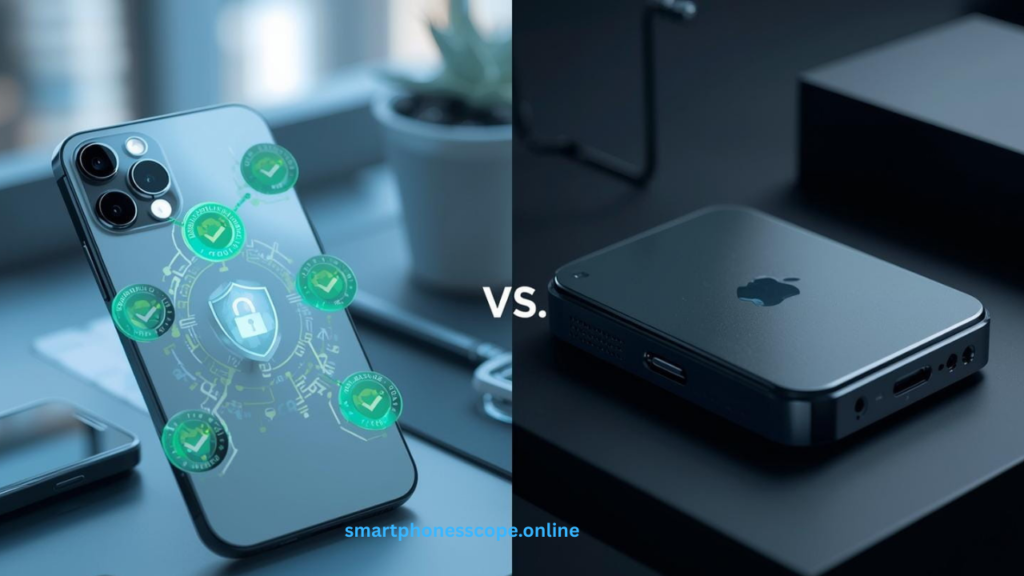
Security model differences stem from fundamental architectural choices. Apple’s vertical integration creates consistent security across all iPhone models, while Android’s open ecosystem produces variability. For enterprises, this consistency translates to predictable security outcomes, simplified policy development, and reduced management overhead.
App ecosystem security advantages on iPhone include mandatory code signing, app review, and sandboxing without exception. Android’s openness permits sideloading and alternative app stores, creating additional attack vectors that require management attention. While Android Enterprise provides containerization, the underlying flexibility requires more sophisticated security controls to achieve comparable protection.
Business adoption statistics reflect enterprise confidence in iPhone security. The substantial preference for iPhones among large organizations derives from proven security track record, compliance enablement, and lower total cost of ownership when security incident costs are factored. UK enterprises show similar adoption patterns driven by GDPR compliance considerations where iPhone’s privacy-by-design approach simplifies regulatory adherence.
Best Practices for Securing iPhone 16 in Business
Enforce strong passcodes of at least 8 characters combining uppercase, lowercase, numbers, and symbols. Mandate biometric authentication (Face ID) combined with passcodes for sensitive operations. Configure automatic device lock after 2-5 minutes of inactivity and limit failed passcode attempts before enforcing progressive delays or device wipe.
Implement comprehensive MDM across all corporate devices, even BYOD where user enrollment provides appropriate balance. Deploy devices through Apple Business Manager for zero-touch provisioning. Maintain current MDM policies reflecting evolving security threats and organizational needs. Regular policy audits ensure configurations remain aligned with security requirements.
Enable multi-factor authentication for all business-critical applications and services. Combine biometrics with time-based one-time passwords (TOTP), hardware security keys, or push notification authentication. Adaptive authentication adjusts requirements based on risk signals like location changes or unusual access patterns, maintaining security without creating unnecessary friction.
Conduct regular compliance audits verifying devices meet security baselines. Automated compliance checking flags devices with outdated iOS versions, disabled encryption, jailbreak indicators, or policy violations. Quarterly reviews assess whether policies address emerging threats and align with regulatory requirements. Documentation of security controls and audit trails supports certification efforts.
Deploy Zero Trust network architecture where every access request requires verification regardless of source. Implement per-app VPN routing business applications through protected tunnels. Use conditional access policies requiring device health verification, location validation, and multi-factor authentication before granting resource access. Assume breach and verify continuously rather than trusting network perimeter defenses.
FAQs
Q1: What enterprise security features does iPhone 16 include?
Secure Enclave, Face ID 2.0, AES-256 encryption, app sandboxing, VPN support, and MDM integration.
Q2: Is iPhone 16 secure for business use?
Yes, with hardware encryption, regular updates, MDM capabilities, and compliance support for GDPR/HIPAA/PCI DSS.
Q3: Can iPhone 16 prevent corporate data breaches?
Yes, through device encryption, app isolation, secure authentication, and remote wipe capabilities.
Q4: What MDM solutions support iPhone 16?
Jamf, Microsoft Intune, VMware Workspace ONE, IBM MaaS360, and Cisco Meraki.
Q5: How does iPhone 16 compare with Android for enterprise security?
iPhone 16 offers consistent updates, mandatory app vetting, and lower fragmentation than Android.
Q6: Does iPhone 16 support Zero Trust architecture?
Yes, through per-app VPN, conditional access, and device health verification.
Q7: Can iPhone 16 separate work and personal data?
Yes, containerization creates distinct boundaries for secure BYOD programs.
Q8: How long does iPhone 16 receive security updates?
Approximately 5-6 years, expected through 2030 or beyond.
Q9: Is iPhone 16 GDPR compliant?
Yes, with built-in encryption, privacy controls, and data minimization features.
Q10: Can IT remotely wipe lost iPhone 16 devices?
Yes, through MDM with full or selective wipe options.
Q11: Does iPhone 16 encrypt data by default?
Yes, AES-256 encryption activates when you set a passcode.
Q12: Can iPhone 16 detect jailbreak attempts?
Yes, through iOS jailbreak detection monitored via MDM.
Q13: What VPN protocols does iPhone 16 support?
IKEv2, IPSec, SSL VPN, and per-app VPN configurations.
Q14: How does Face ID protect against spoofing?
3D depth mapping with 1:1,000,000 false acceptance rate defeats photo/mask attacks.
Q15: Can custom business apps run on iPhone 16?
Yes, via Apple Business Manager without public App Store distribution.
Conclusion
iPhone 16 represents the pinnacle of enterprise mobile security, combining battle-tested hardware protections with sophisticated software defenses that address modern business security challenges. From the Secure Enclave’s cryptographic foundation to comprehensive MDM capabilities that scale across global organizations, every aspect of iPhone 16’s design prioritizes protecting your business data against evolving threats. The device’s ability to seamlessly balance robust security controls with user privacy through features like containerization for BYOD and selective wipe capabilities demonstrates Apple’s understanding that effective enterprise security requires both technical excellence and user acceptance.
For business leaders navigating the complex landscape of remote work security, regulatory compliance, and sophisticated cyber threats, iPhone 16 delivers enterprise-ready protection without compromising productivity or user experience. The platform’s proven track record with 72% Fortune 500 adoption, combined with continuous security updates spanning 5+ years, provides the long-term reliability that enterprise mobility strategies demand. Whether you’re protecting financial data under PCI DSS, safeguarding healthcare information for HIPAA compliance, or ensuring GDPR adherence for European operations, iPhone 16’s comprehensive security architecture provides the foundation for confident digital transformation.
Our final recommendation for business leaders: Standardize on iPhone 16 for enterprise mobile devices to benefit from industry-leading security, simplified compliance, and reduced total cost of ownership. Implement comprehensive MDM deployment through Apple Business Manager, enforce Zero Trust policies, and leverage the full spectrum of hardware and software protections to build a resilient mobile security posture that protects your organization today and adapts to tomorrow’s threats.